Movement Constraint
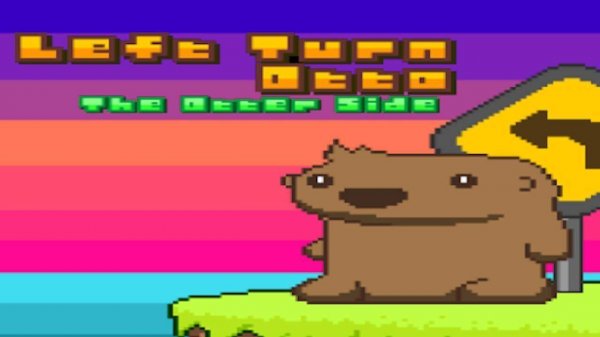
The defining feature of Ollie the Otter Navigation Puzzle is the left-turn-only movement rule. Players must plan each step carefully, as Ollie cannot turn right or make U-turns. This limitation creates a unique spatial reasoning challenge that distinguishes the game from typical maze or pathfinding puzzles. Each level becomes a logic problem where the solution depends on anticipating how the left-turn restriction shapes the route.
Interactive Objects
Throughout the game, Ollie encounters special items that modify movement options. Beach balls allow Ollie to bounce off surfaces and change direction, opening new pathways. Mix-up markers temporarily reverse the turning direction, providing a brief window to make right turns. These elements add variety without overwhelming the player, and they are introduced gradually to ensure the learning curve remains smooth.
Level Progression
The game presents a series of stages that start with simple layouts and slowly incorporate more obstacles and interactive objects. Early levels teach the basic left-turn mechanic, while later stages require combining beach balls and mix-up markers in creative sequences. The difficulty increases steadily, making the game accessible to newcomers while still offering satisfying challenges for experienced puzzle enthusiasts.
Visual and Audio Style
Ollie the Otter Navigation Puzzle features bright, cheerful graphics with a clean interface. The environments include rivers, forests, and coastal scenes that match the otter theme. Sound effects are gentle and non-intrusive, with soft background music that helps maintain a relaxed atmosphere. The overall presentation is designed to be inviting for players of all ages.
Browser-Based Accessibility
Because the game runs directly in a web browser, there is no need to download or install any software. This makes it convenient for quick play sessions during breaks or longer gaming periods. The controls are simple point-and-click or tap actions, ensuring compatibility with both desktop computers and mobile devices. Progress is saved automatically, allowing players to resume from where they left off.




Comments
0 comments